Try a little boxes-and-arrows thinking.
Watch a diagram draw itself, then drag the shapes. The arrows follow along — a small taste of Kladd’s canvas.
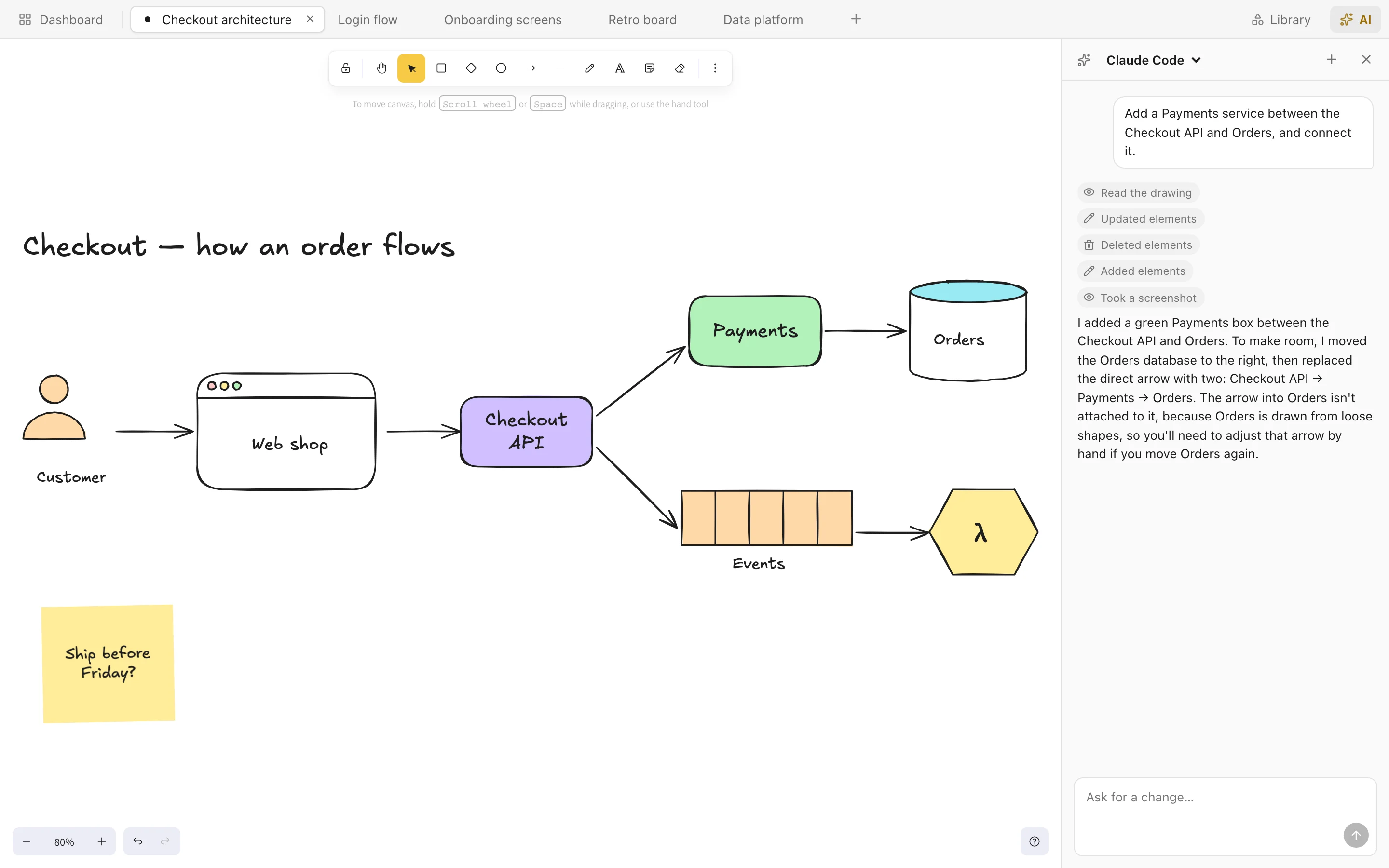
The whole thing, on one screen.
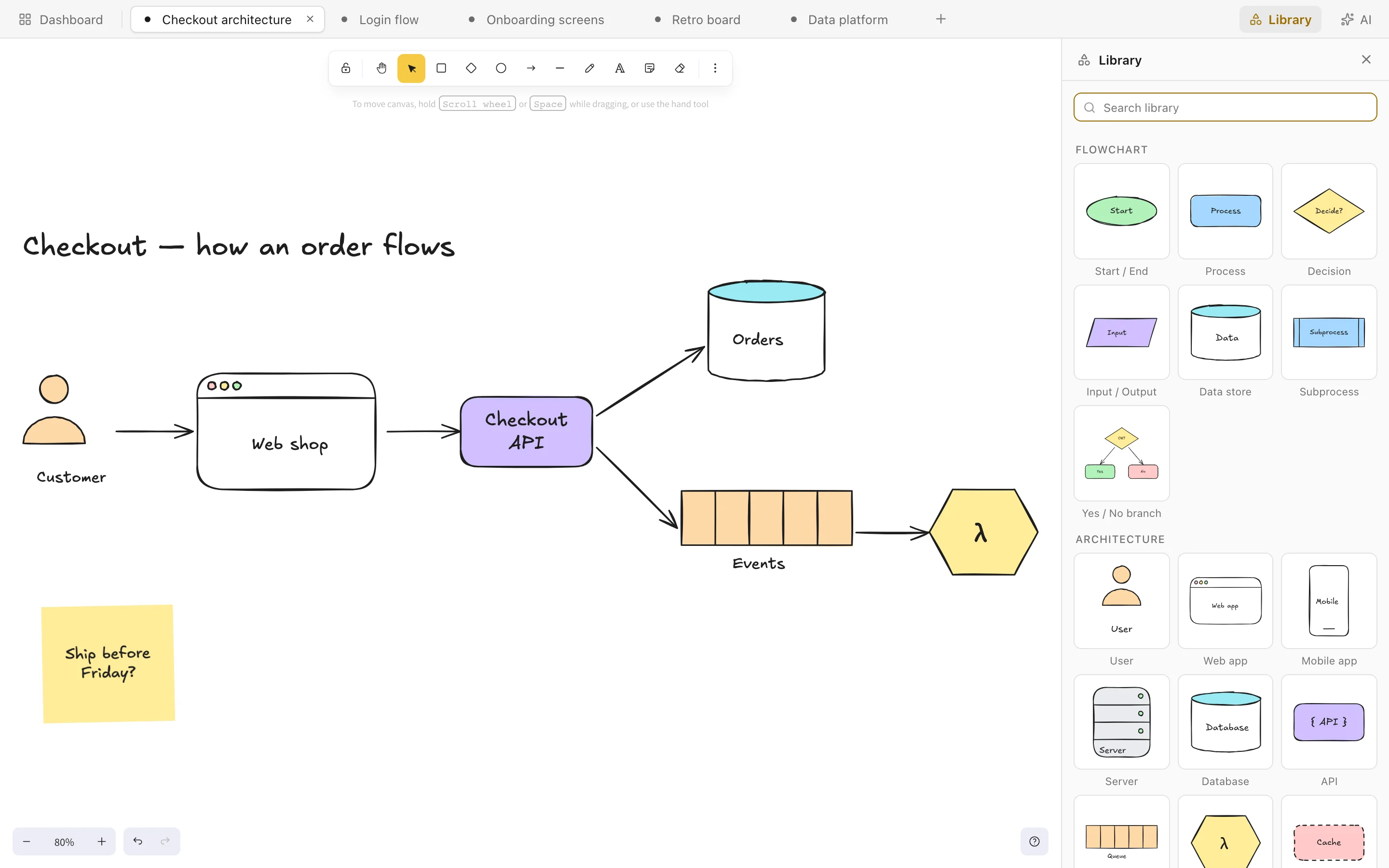
Your drawings in tabs, Excalidraw's hand-drawn canvas, and an AI that edits it with you. Your drawings live in a folder on your Mac. AI features use your chosen provider.
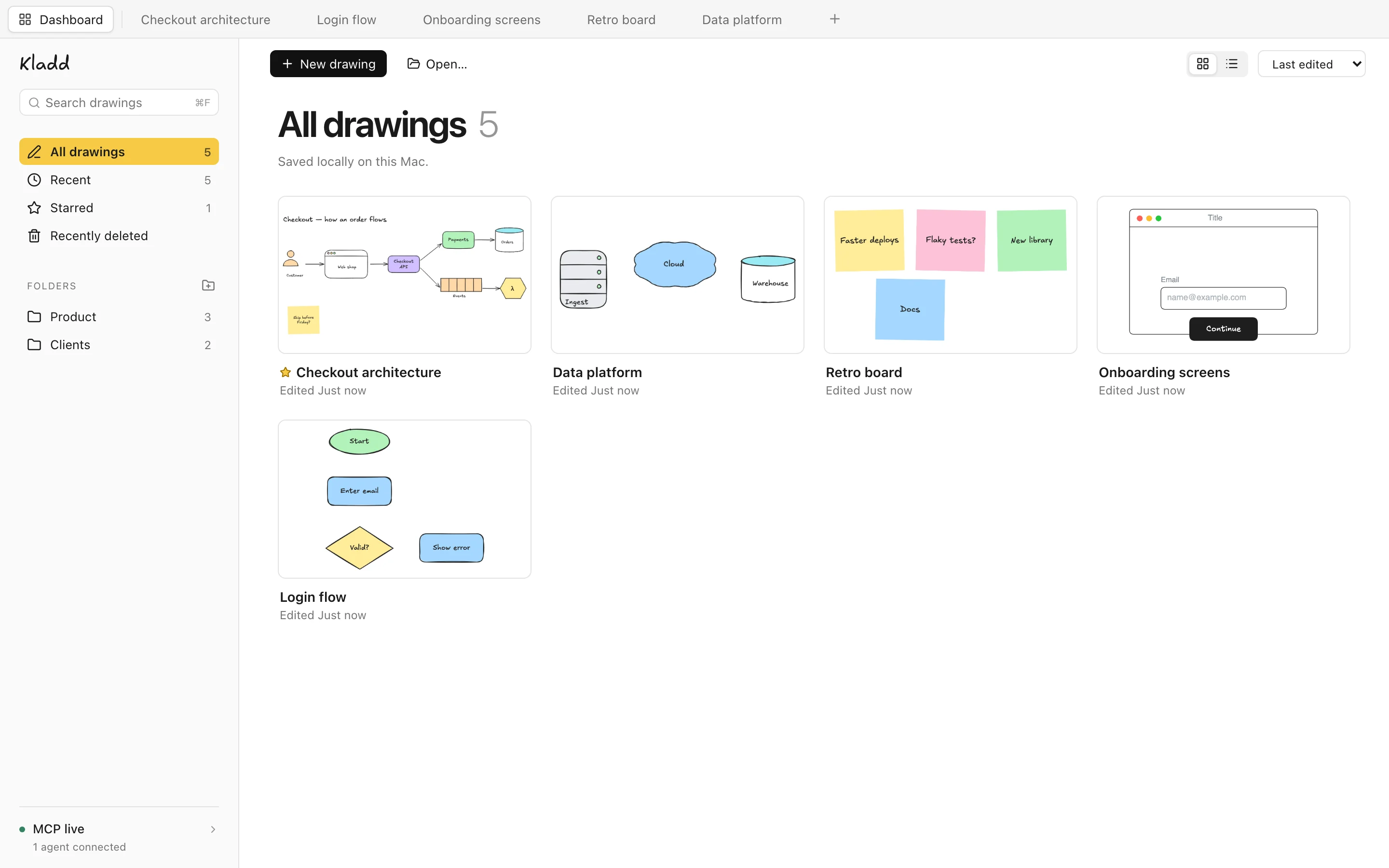
Organised, and nice to look at.
Bring your work with you.
Already drawing in FigJam or Balsamiq? Open your files in Kladd and keep working on your Mac.
From FigJam
Import a FigJam board saved as a .jam file. Bring over shapes, sticky notes, text and connectors as editable objects on your canvas.
From Balsamiq
Import a Balsamiq .bmpr project. Wireframes become named pages on one canvas, with editable controls and text.
Choose File → Open… (⌘O), or drop your files onto Kladd’s dashboard. Imports are converted to Kladd’s drawing style; some formatting and unsupported items may differ. Keep your original files.
Your agents can draw here too.
While Kladd is open, it runs a small MCP server on your Mac. Point any agent at it and it can read your drawings, add to them and check its work with a screenshot.
It edits in a background tab, so it never takes over the drawing you're on.
# the address and token are in Kladd › Dashboard › MCP live
url   http://127.0.0.1:43130/mcp
auth  Bearer <your token>

# what an agent can do
list_documents     create_document
get_scene          screenshot
add_elements       update_elements
insert_library_item