3D modelling · Coming soon
Kube
Norwegian for “cube”
3D models for your 3D printer — as easy as building blocks.
Kube is 3D modelling for everyone who owns a 3D printer and doesn't want to learn CAD. Drop shapes on a millimetre workplane, push, lift, turn and resize them, cut holes, group — and export an STL that prints. Or just ask the AI to build it with you.
Native Mac app · Swift + React · macOS on Apple silicon · free during the beta · €79 once from release
What it does
Shapes on a workplane
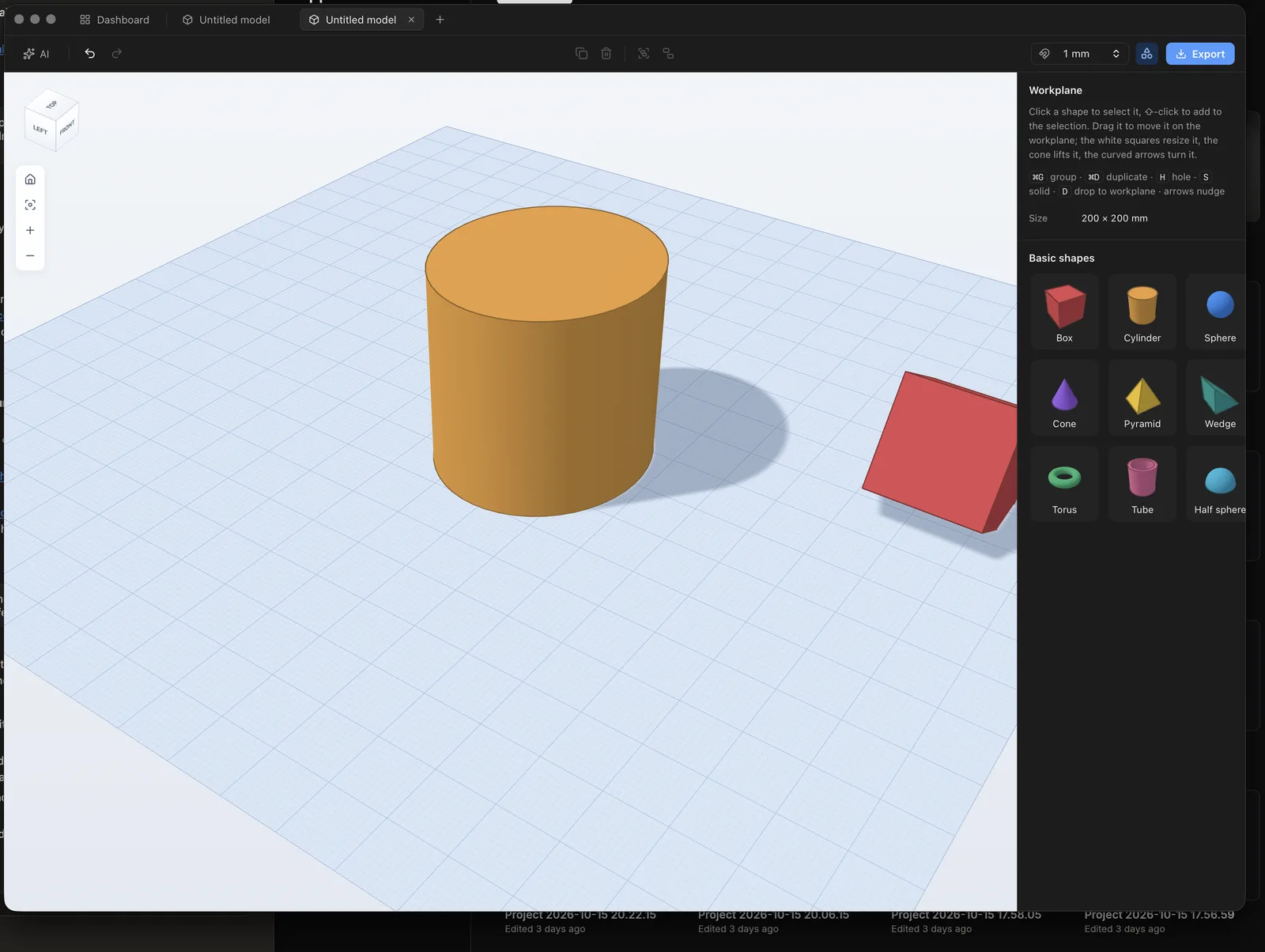
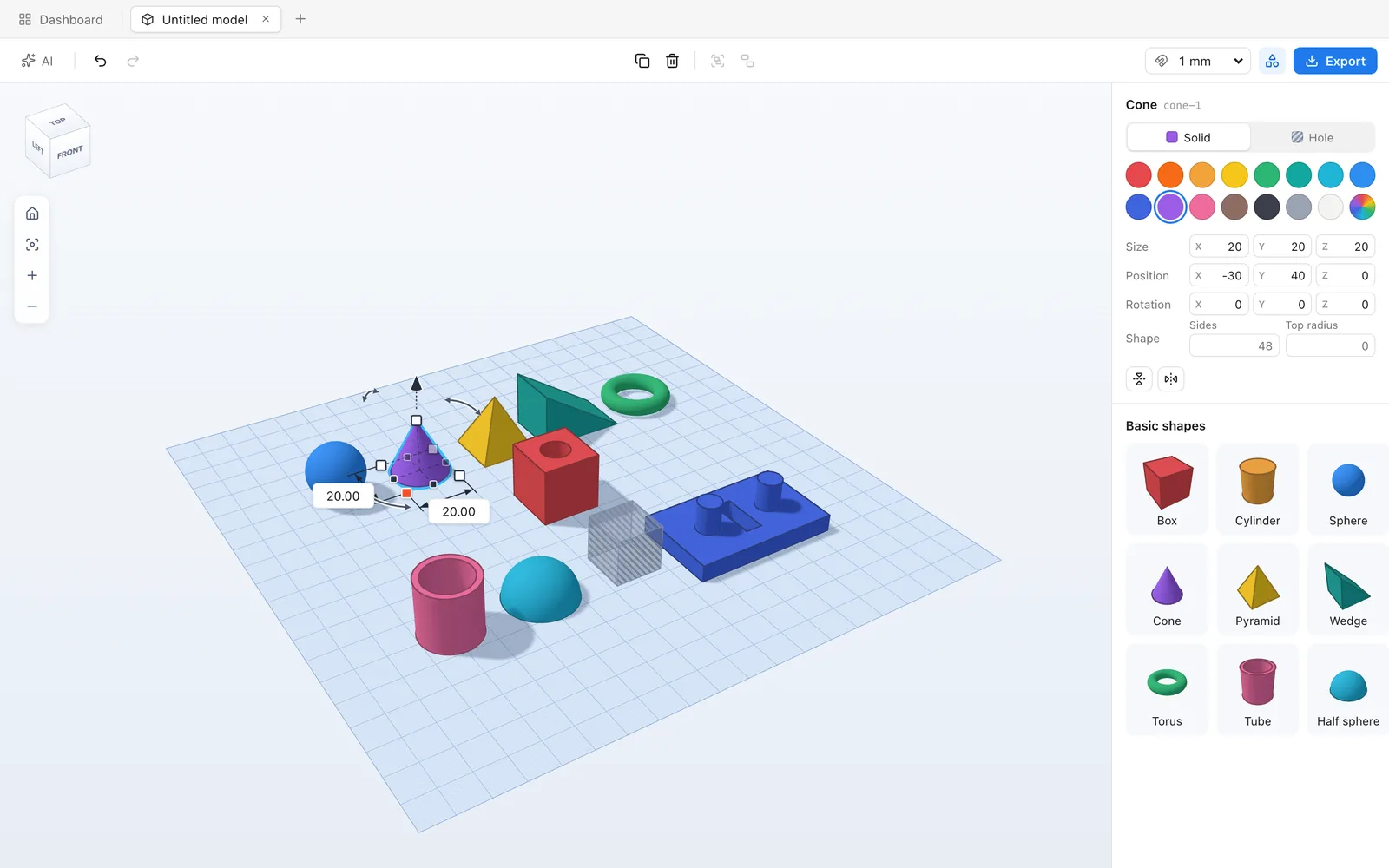
Box, cylinder, sphere, cone, pyramid, wedge, torus, tube and half sphere on a 200 × 200 mm plate, snapping to 1 mm (or 0.1 to 10).
Handles you already understand
Drag to move, white squares to resize, the cone to lift, curved arrows to turn — or type the exact millimetres.
Holes and groups
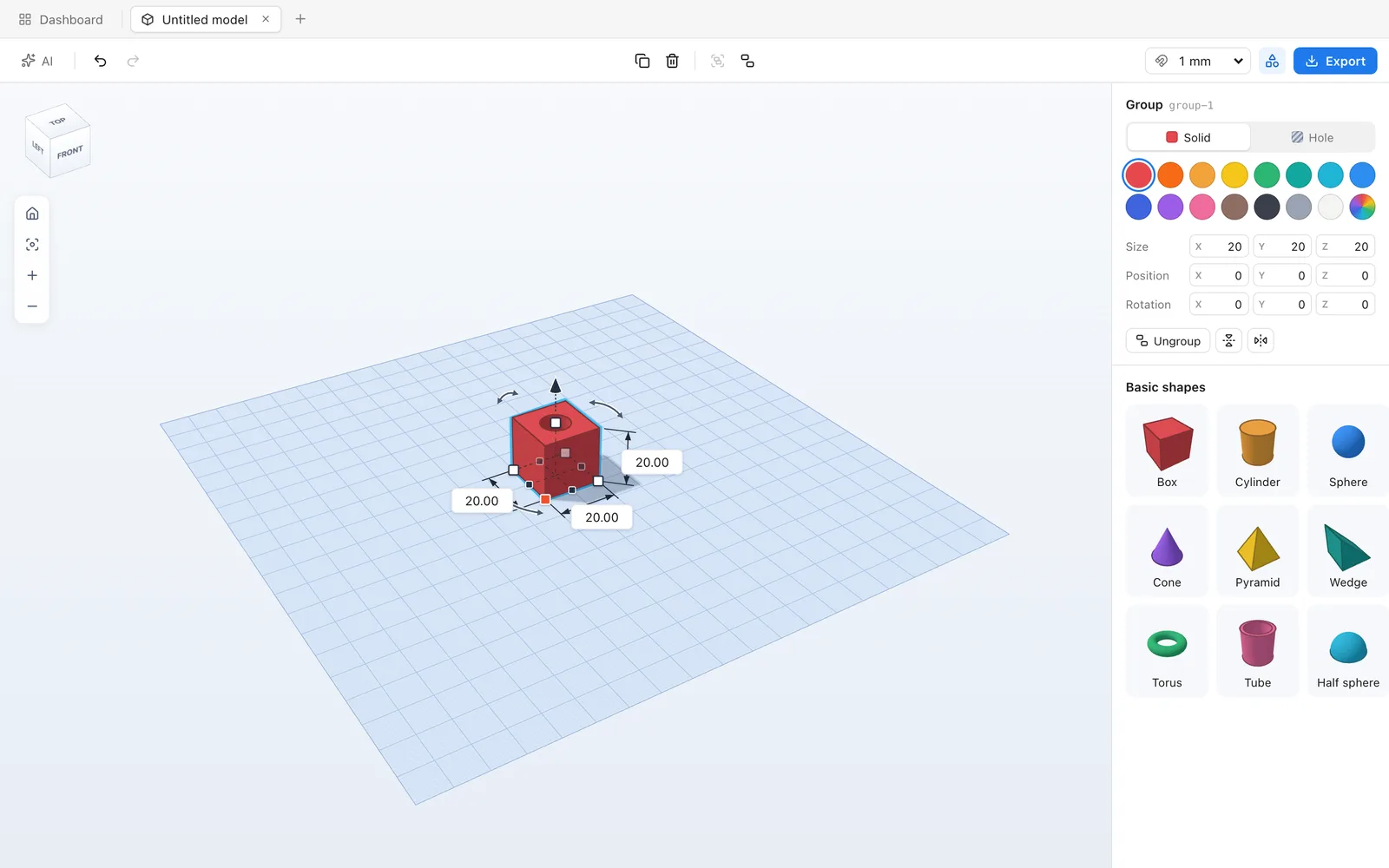
Mark any shape as a hole and group it: the group is the solids minus the holes. Groups nest, and it's all undoable.
Real geometry
Booleans run on Manifold, so what you see is a watertight mesh — not an approximation that fails in the slicer.
Export STL
One click to an STL for PrusaSlicer, Bambu Studio or Cura.
AI that models with you
Describe the part — a hook, a box with a lid, a cable clip — and Claude or ChatGPT builds it on your own subscription.
Built for agents
A local MCP server: agents add shapes, cut holes, group, take screenshots and export STL — in a background tab, never taking over your view.
Local-first
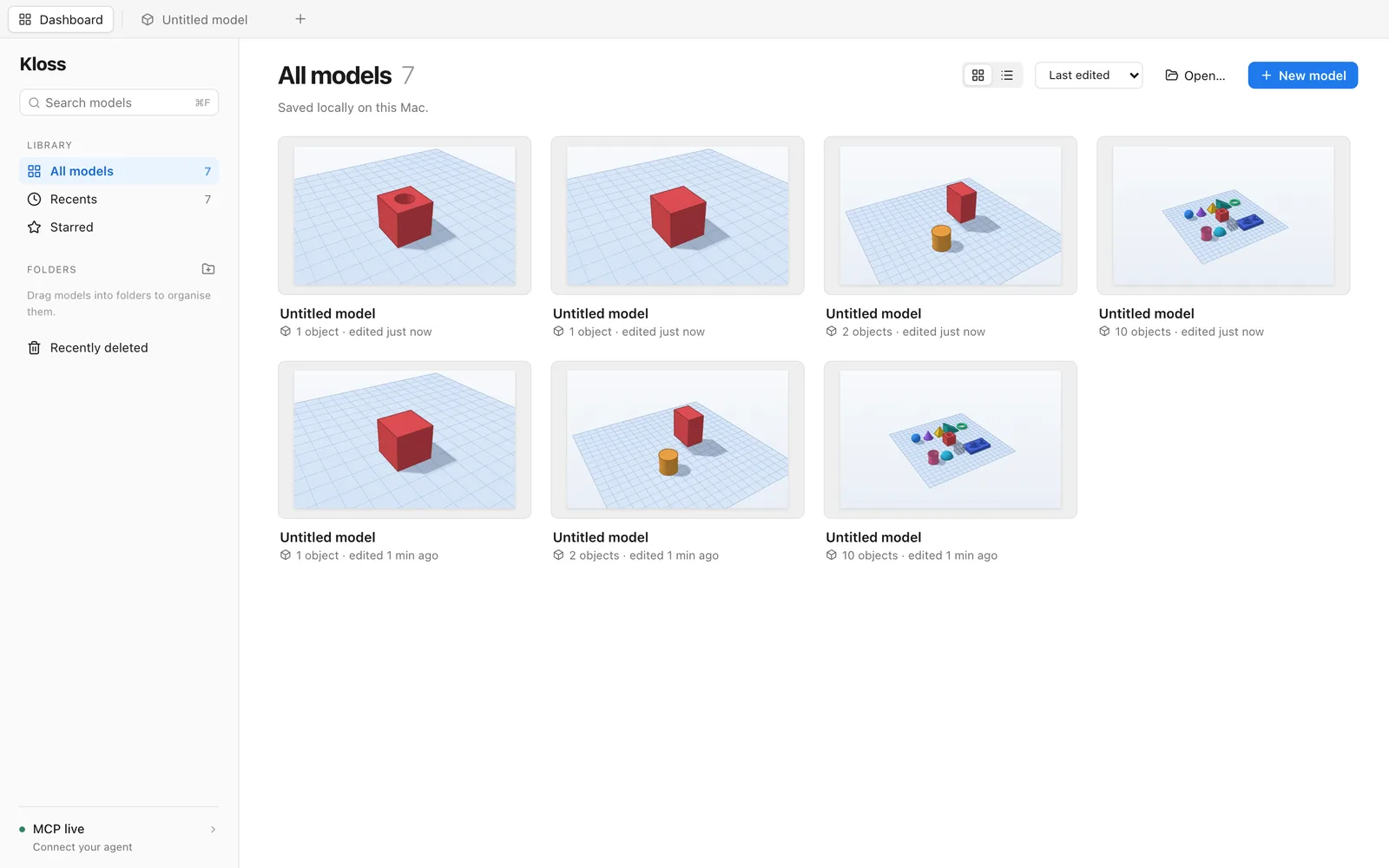
Models are plain files on your Mac, with a dashboard of previews. No account, no cloud, works offline.
Using the beta? Report a bug or share an idea — it goes straight to the people building Kube.
Instead of Tinkercad, SketchUp, Shapr3D — and the subscription that comes with them.
Free while in beta.
When Kube is released, we start charging: €79 once, a licence for life, on all your Macs — after a 30-day free trial. Until then it’s free.
More from h5bits

Kladd
BetaDiagrams, wireframes & presentations · “a rough draft”
Hand-drawn diagrams, wireframes and presentations. All on your Mac.

Trykk
BetaPresentations & assets · “print”
First you kladd, then you trykk.

Arkiv
BetaDatabases · “archive”
Your databases, on your Mac.

Skriv
Coming soonNotes · “write”
Markdown notes, kept as Markdown.

Post
In the worksEmail · “mail”
Email that's on your side.

Klipp
Coming soonVideo editor · “cut”
The fun video editor — without the casino.

Tall
In the worksSpreadsheets · “numbers”
A spreadsheet with opinions.

Tid
In the worksCalendar & lists · “time”
Your days and your lists, in one place.